
Geckode features
One block does what used to take ten.
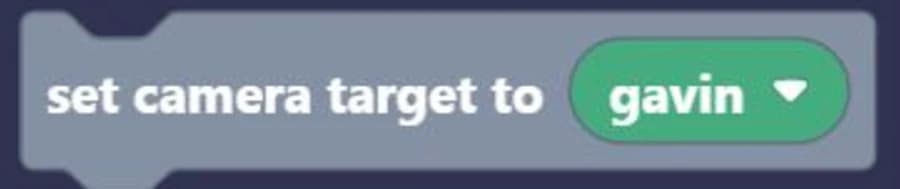
Our blocks are made for games. The things every game needs - moving, touching, following with the camera - are single blocks, not homework.
- 9 colour-coded categories with a search box on top
- Blocks only snap where they make sense
- Press play and your game runs right beside your code
Built-in collision detection between sprites

Easy-to-use arrow key movement

Set your camera position
Direction and velocity

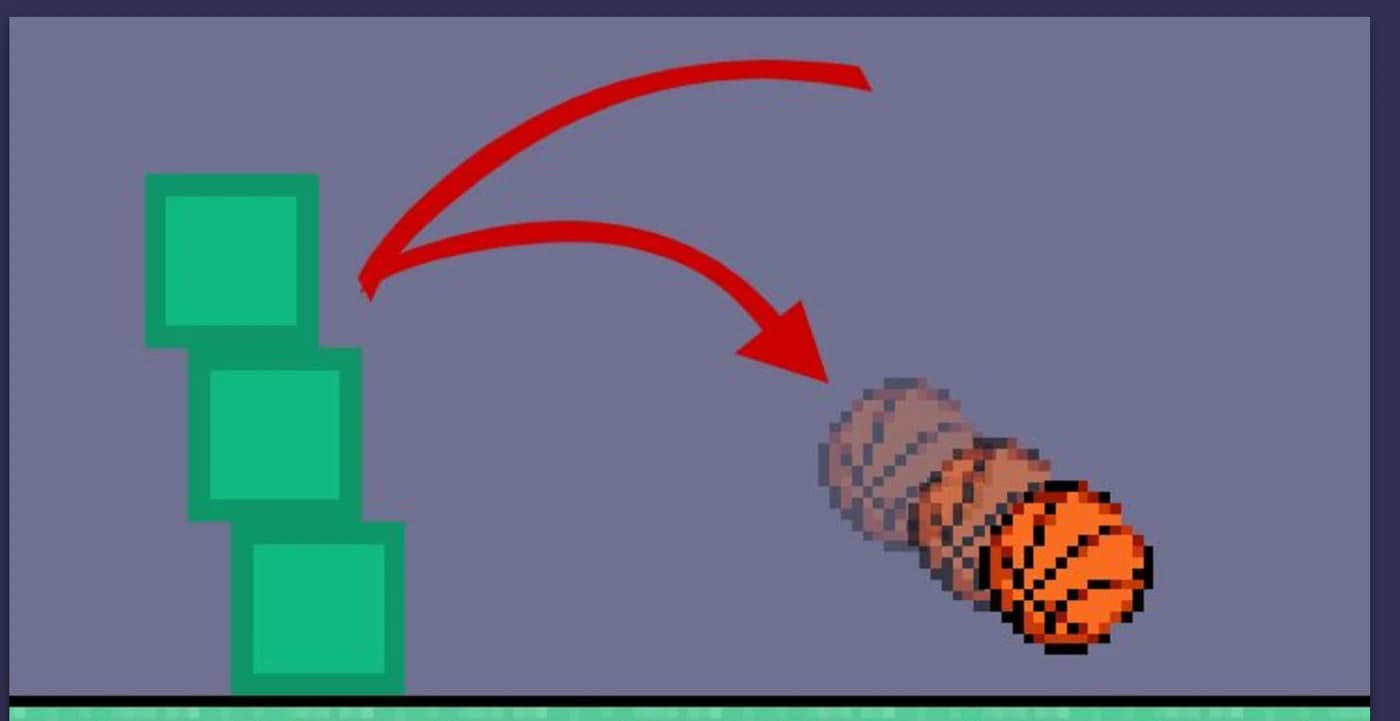
Gravity, bouncing and pushing, already working.
Geckode has its own physics engine, built for block games. Turn things on from the sprite panel instead of writing the maths yourself.
- Collision detection between sprites and with tiles
- Gravity, velocity, acceleration and bounce
- Solid sprites that can push and carry other sprites
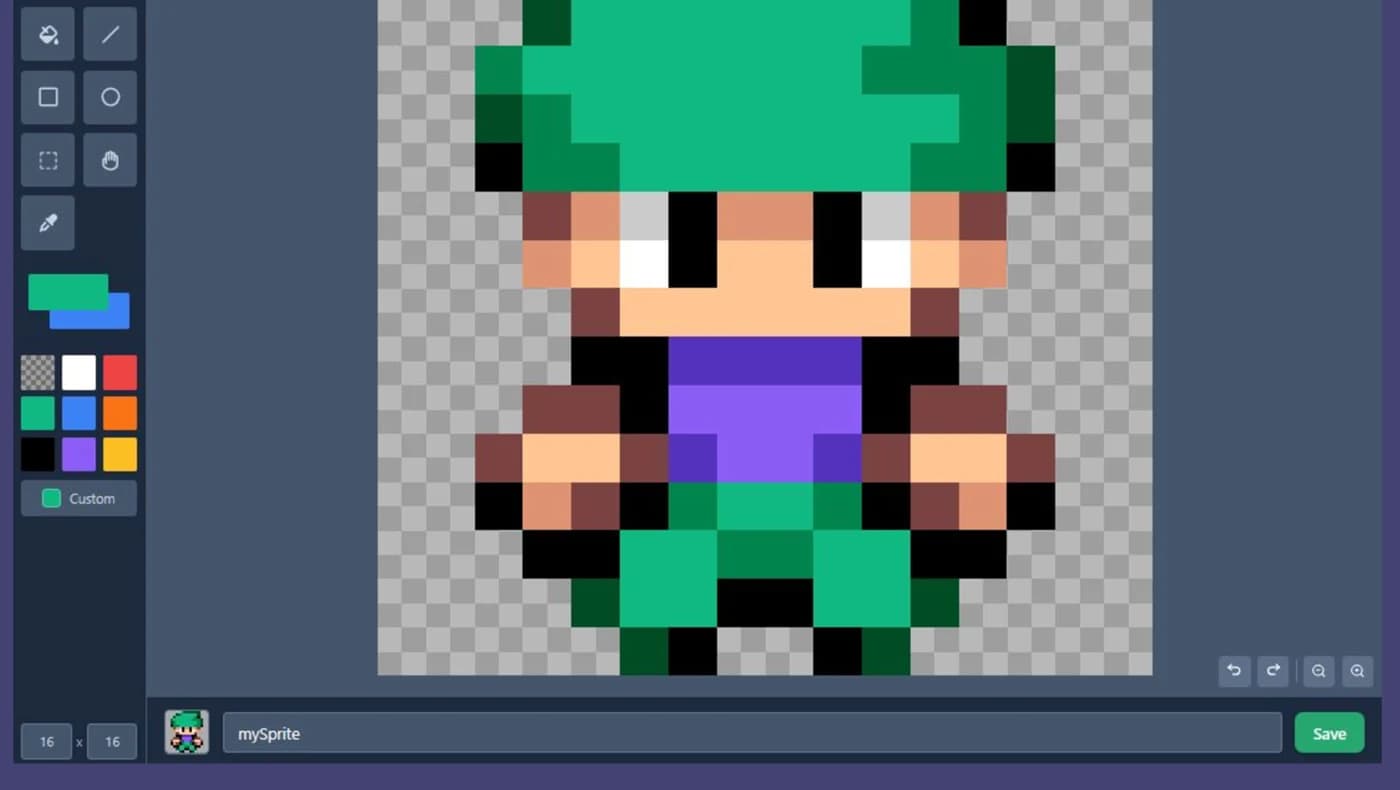
Draw your own characters, pixel by pixel.
Geckode has its very own sprite editor, so the hero of your game is really yours.
- Easy to use and learn
- Pencil, eraser, fill, line, shapes, select and eyedropper
- Start from a sample sprite and customise it to your liking
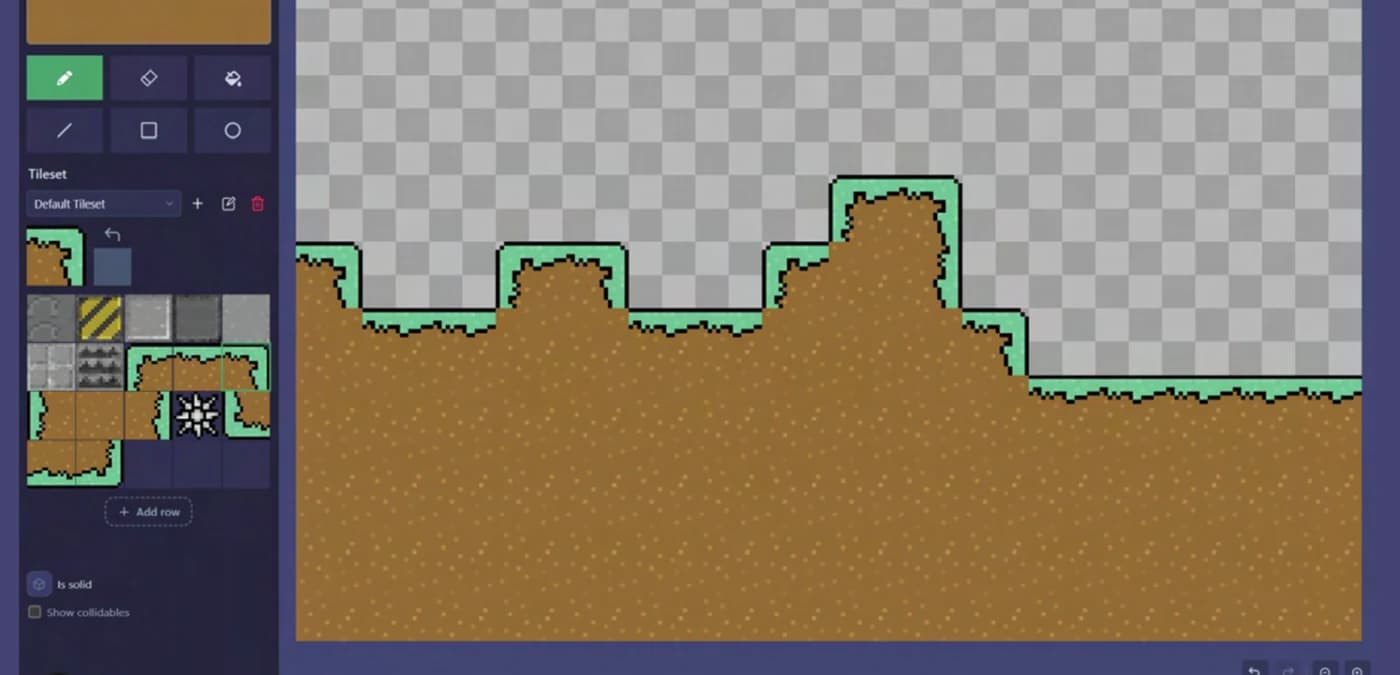
Design your own levels.
Paint your game's layout with the tilemap editor, and draw the tiles themselves just as you would a sprite.
- Make your game layout with ease
- Add your own textures to your tileset
- Set which tiles have collision enabled with the click of a button
Make it with friends. Show it to everyone.
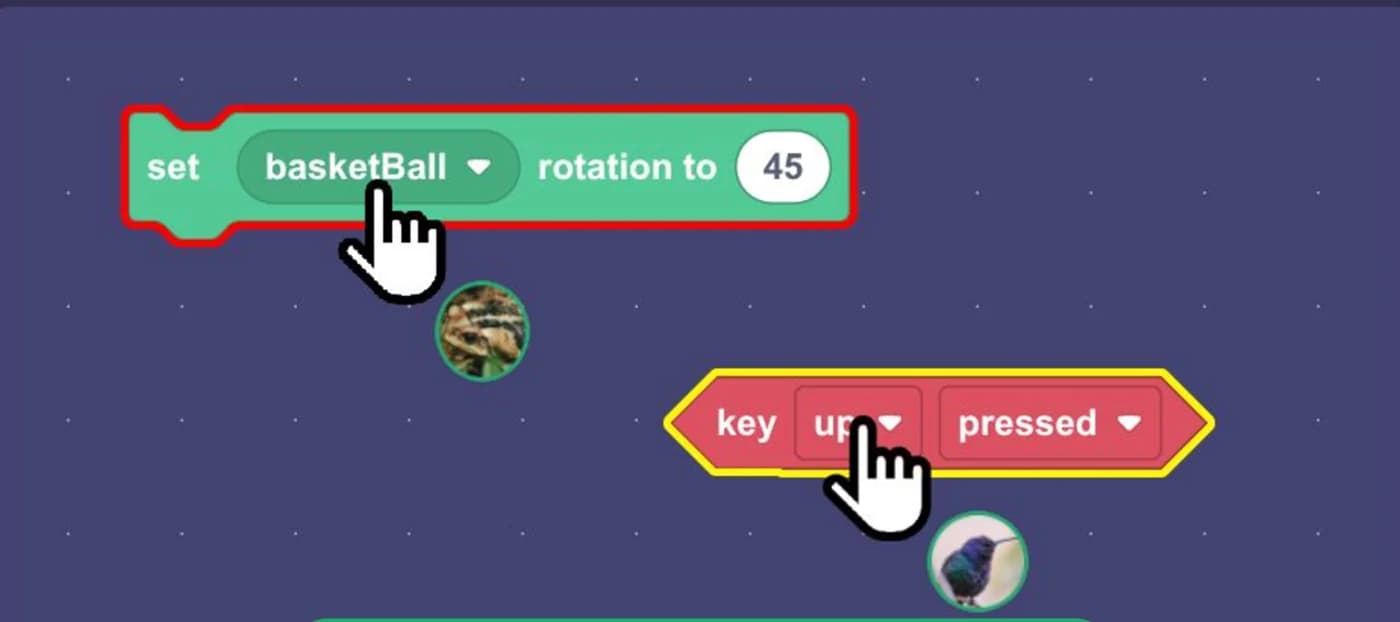
Build the same game at the same time
Invite a friend to your project and you both see every block move as it happens.
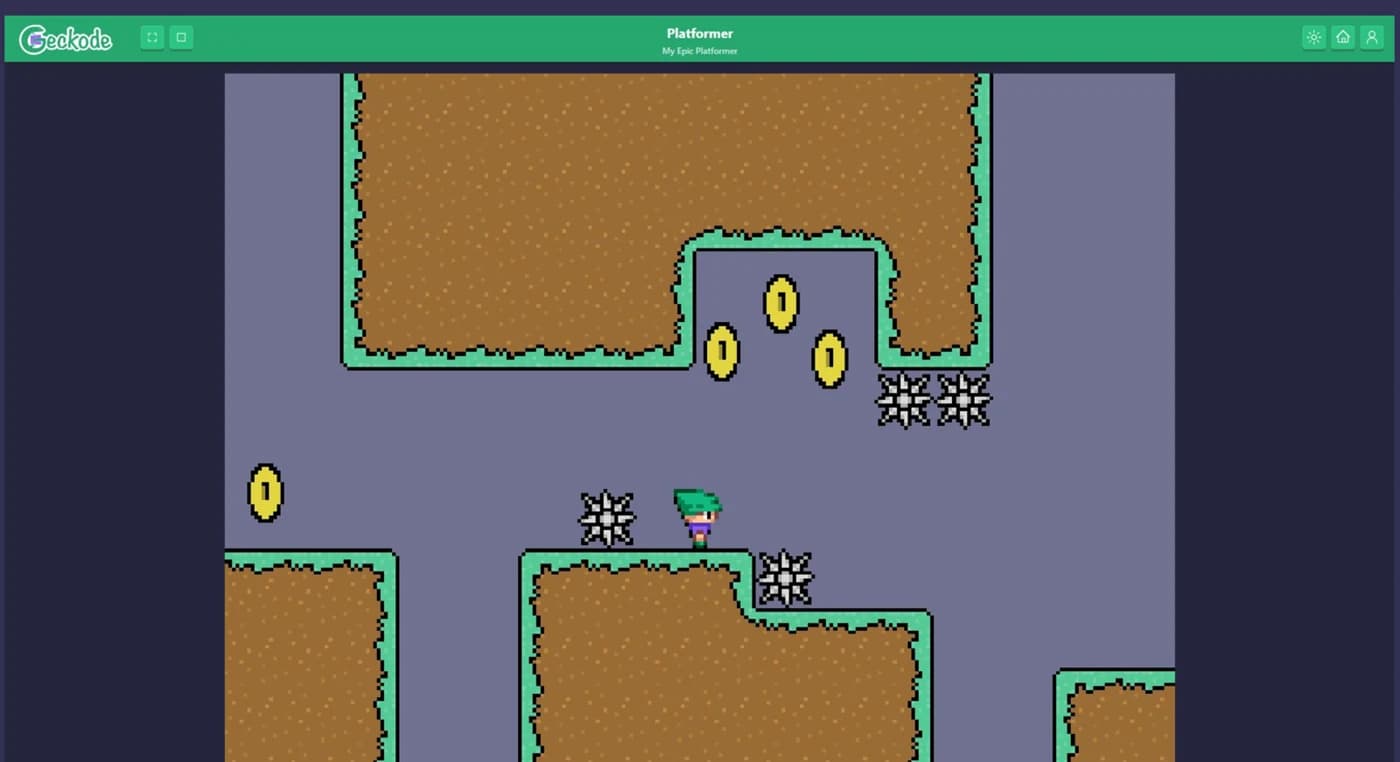
Share a link to play your game online
Send one link and anyone can play your game in their browser - no account needed to play.
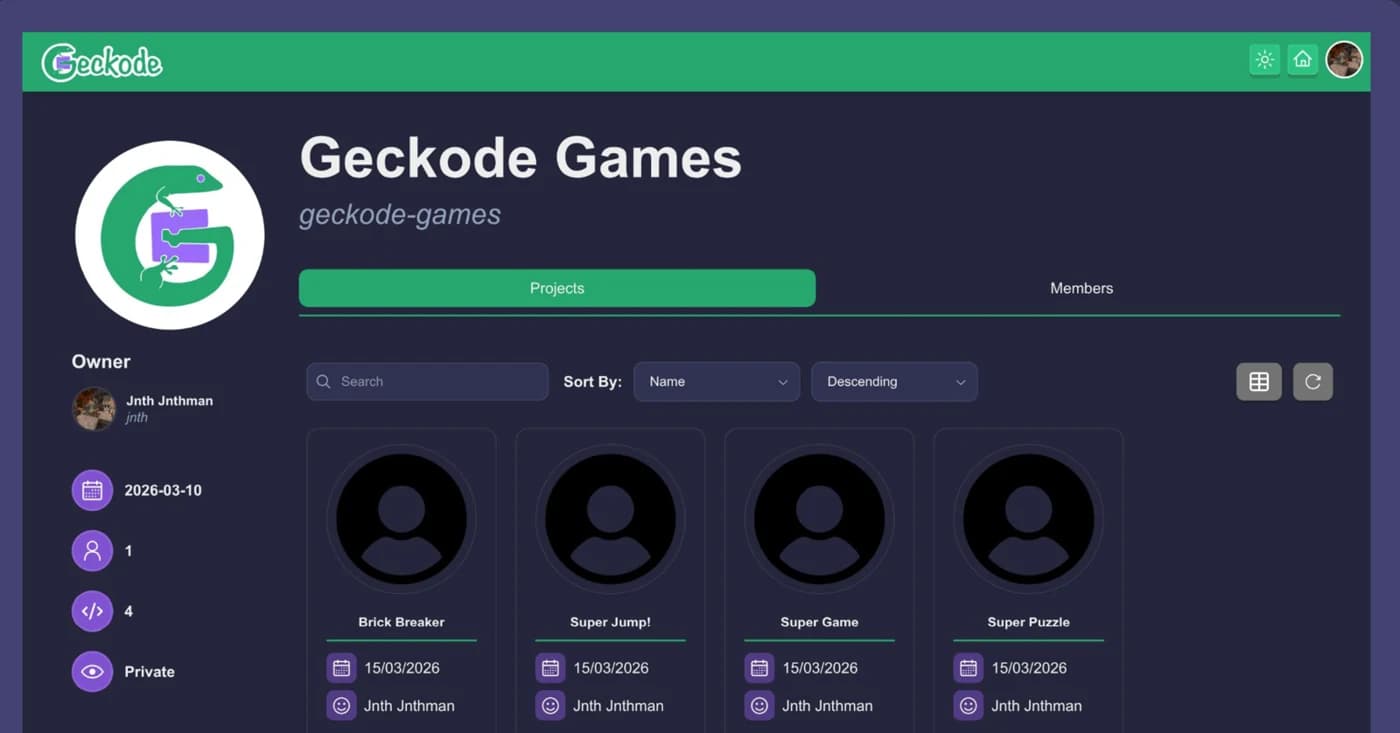
Large group? Make an organization!
Give a class or a club one home for its members and all of their projects.
FAQ
What is Geckode?
A web application for kids to develop their own games.
How does it work?
Add sprites to your game, drag and drop blocks into the workspace as code, and click play.
Why not use Scratch?
We have tilemaps, blocks made for games, and an in-house physics engine.